If you're in the packaging or label game, you've probably flexed (pun totally intended) around a flexo press at some point. You know that flexo's whole thing is using flexible photopolymer plates to transfer ink to substrates like paper, plastic, or film-way more efficient than old-school methods for high-volume runs. But here's a question I get all the time from print ops folks and small business owners: "Does plate hardness actually matter that much?" Spoiler alert: it's not just a random spec on a data sheet. Plate hardness is the quiet workhorse that makes your prints look sharp, keeps your press running smoothly, and even cuts down on downtime. As a flexo press supplier who's been geeking out over this tech for years, I've seen way too many teams sleep on this detail… and then face avoidable headaches. Let's break it down.
First off, let's keep the basics real. Plate hardness is measured in Shore durometer, right? For flexo, we're usually talking Shore A numbers, because Shore D is way too rigid for the flexible stuff. Soft plates are around 50-60 Shore A, medium is 60-70, and hard plates are 70-85 Shore A. The hardness directly ties to how the plate deforms when it's mounted on the press's cylinder and pressed against the anilox roll and substrate. That deformation is where the ink transfer magic happens-too soft, and the plate squishes too much; too hard, and it doesn't squish enough.
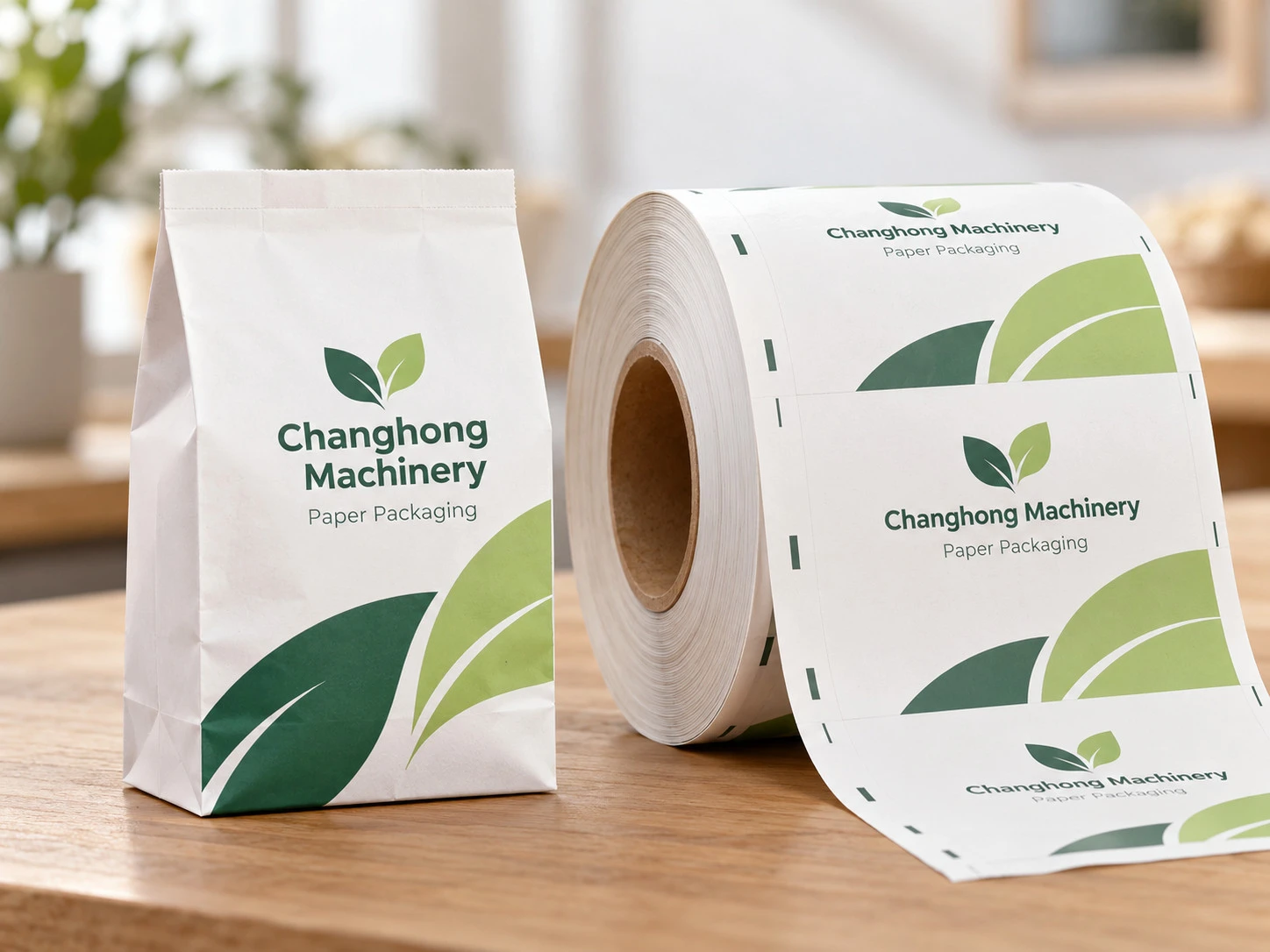
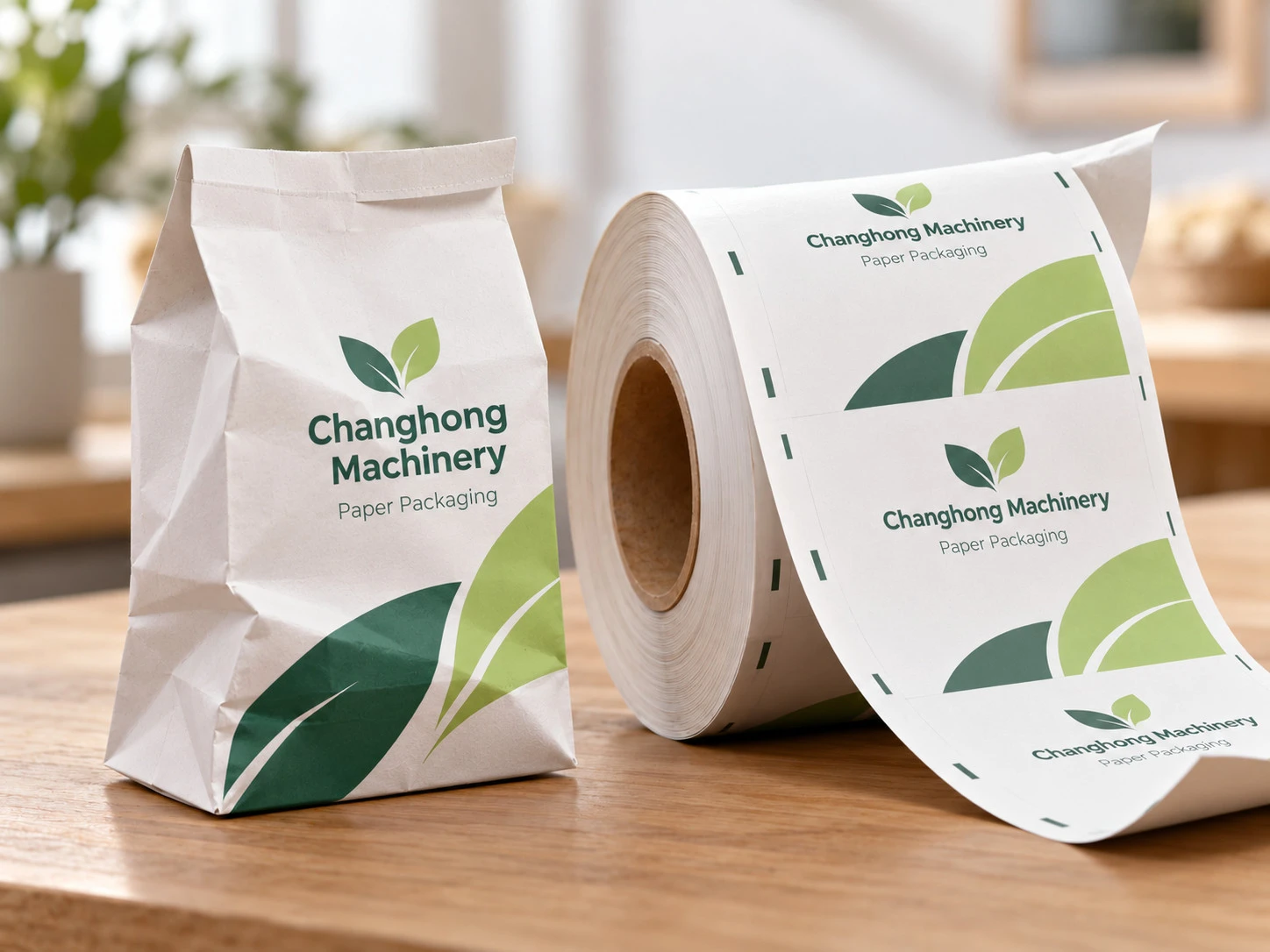
Let's start with print quality, because that's the big one every customer cares about. Ever printed a tiny text logo that looked blurry or faded in spots? That's often a plate hardness mismatch. Soft plates (50-60 Shore A) are great for things like large solid fills-think a big block of navy on a cereal box sleeve. They deform easily to lay down a thick, even ink layer, so solid colors look rich and consistent. But here's the catch: soft plates don't hold tiny details well. If you've got a 1pt barcode or micro text, the soft plate can "squish out" those small features during pressure, making the barcodes scannable or text unreadable. I've had a customer come to us last year who was using a soft plate for a bar code job, and their retail clients were rejecting 15% of pallets because of bad scans. Switched to a medium-hard 65 Shore A plate, and that error rate dropped to zero.
On the flip side, hard plates (75-85 Shore A) are the unsung heroes of fine detail work. They hold tiny text, sharp logos, and intricate designs way better because they deform less. If you're printing product labels with small regulatory text or delicate brand graphics, a harder plate keeps those crisp edges. But hard plates have their own kryptonite: solid fills. Because they don't deform much, they leave thin, inconsistent ink layers-so that big black box might look streaky instead of solid. One of my go-to examples here is when we work with customers who print plastic films. A lot of them start out using the same plate hardness for everything on a Plastic Film Flexo Printing Machine, and end up with a mix of sharp logos and streaky fills. The fix? Switch plate hardness per design. Small, detailed bits get hard plates; large solids get softer ones.
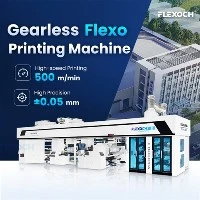
Next up: press performance and downtime, which is the bane of every print shop's existence. Plate hardness affects how much pressure you need to run the press, right? If your plates are too soft, you might accidentally crank up the pressure to compensate for bad detail, which causes more wear on cylinders, anilox rolls, and even doctor blades. That extra pressure leads to faster replacement parts-another cost I hate to see our customers waste. Hard plates, on the other hand, don't need as much pressure? Wait, no, wait-let me get that right. If you use a hard plate where a soft one is needed, you might crank up pressure to get enough ink transfer, which again wears parts. But if you match plate hardness to your substrate and job, you can run the press at optimal tension and pressure, which reduces web breaks (huge for high-volume runs). Web breaks mean stopping the press, re-threading the substrate, wasting material-total pain. I remember a customer with a Paper Gearless Flexo Printing Press who was running thick paper stock with a too-soft plate. The soft plate's constant deformation caused inconsistent tension, leading to a web break every 2 hours. Switched to a medium-hard plate, and web breaks went down to once every 8 hours. That's less downtime, more output, happier operators.
Wait, let's not forget the substrate type, because that ties directly to plate hardness. You wouldn't use the same plate hardness for thick corrugated cardboard as you would for thin plastic film, right? Thick, stiff substrates (like corrugated or heavy paper) need harder plates-they can handle the pressure without deforming too much, so ink transfers evenly across the rough surface. Soft substrates, like thin plastic or delicate labels, need softer plates to contour to the flexible material and avoid creating creases or uneven ink. One of our customers who uses the FFS Heavy-Duty Film Flexo Printing Machine for packaging heavy-duty bags (super thick, stretchy film) told me switching to a softer plate cut down on "ghosting" (that faint duplicate image from plate deformation) by 20%. That's a direct win from matching hardness to substrate.
Also, let's talk about ink transfer consistency across runs-especially for long jobs. Over time, plates can wear down, and hardness plays a role in how that happens. Soft plates tend to wear more evenly? No, wait-hard plates wear more slowly, actually, so they stay consistent longer for fine details. But soft plates might have minor deformation over long runs, which can cause color shifts. If you're running a 100,000-run job, a plate with the right hardness holds its shape the whole time, so every print matches the first one. I once worked with a customer doing promotional labels that needed exact color matching for a big retail brand. They were using the same plate hardness for a 500,000-run job and ended up with 3 batches of slightly different blue shades because the soft plates deformed over the run. Switched to a mix of medium and hard plates for different color elements, and color consistency stayed spot-on.
Now, a quick reality check: there's no "one size fits all" plate hardness. It depends on three main things: job details (fine detail vs solid fills), substrate (thick vs thin, stiff vs flexible), and your press setup. That's why we always tell customers when they're looking at equipment like the 6 Color Flexo Printing Machine, to also think about plate compatibility, not just the press itself. Our team doesn't just sell machines-we walk customers through plate specs too, because that's part of making their press work its best.
I also want to address a common myth I hear: "Harder plates = better quality." No way. If you use a hard plate for a large solid fill, you're just going to get a thin, streaky ink layer that looks worse than if you used a soft plate. And if you use a soft plate for tiny barcodes, you get un-scannable codes, which is a way bigger quality issue than a slightly streaky solid. It's all about balance.
What about maintenance? Plate hardness even affects how you store and care for them. Hard plates are more durable, so they're less likely to scratch if you handle them roughly, which is good for high-run jobs where you don't want to replace plates often. Soft plates need more careful handling to avoid bending or tearing, which means storage needs to be flat and not stacked. That's a small detail, but it adds up over time-scratch plates = bad prints, so choosing the right hardness cuts down on handling mistakes.
Let's wrap this up with a real takeaway. Plate hardness isn't just a technical spec-it's a variable that directly impacts print quality, press efficiency, material waste, and long-term costs. Whether you're running paper on a Paper Flexo Printing Machine, plastic film, or heavy-duty film for packaging, matching your plate hardness to the job and substrate makes all the difference. No more blurry barcodes, streaky solids, or constant web breaks.
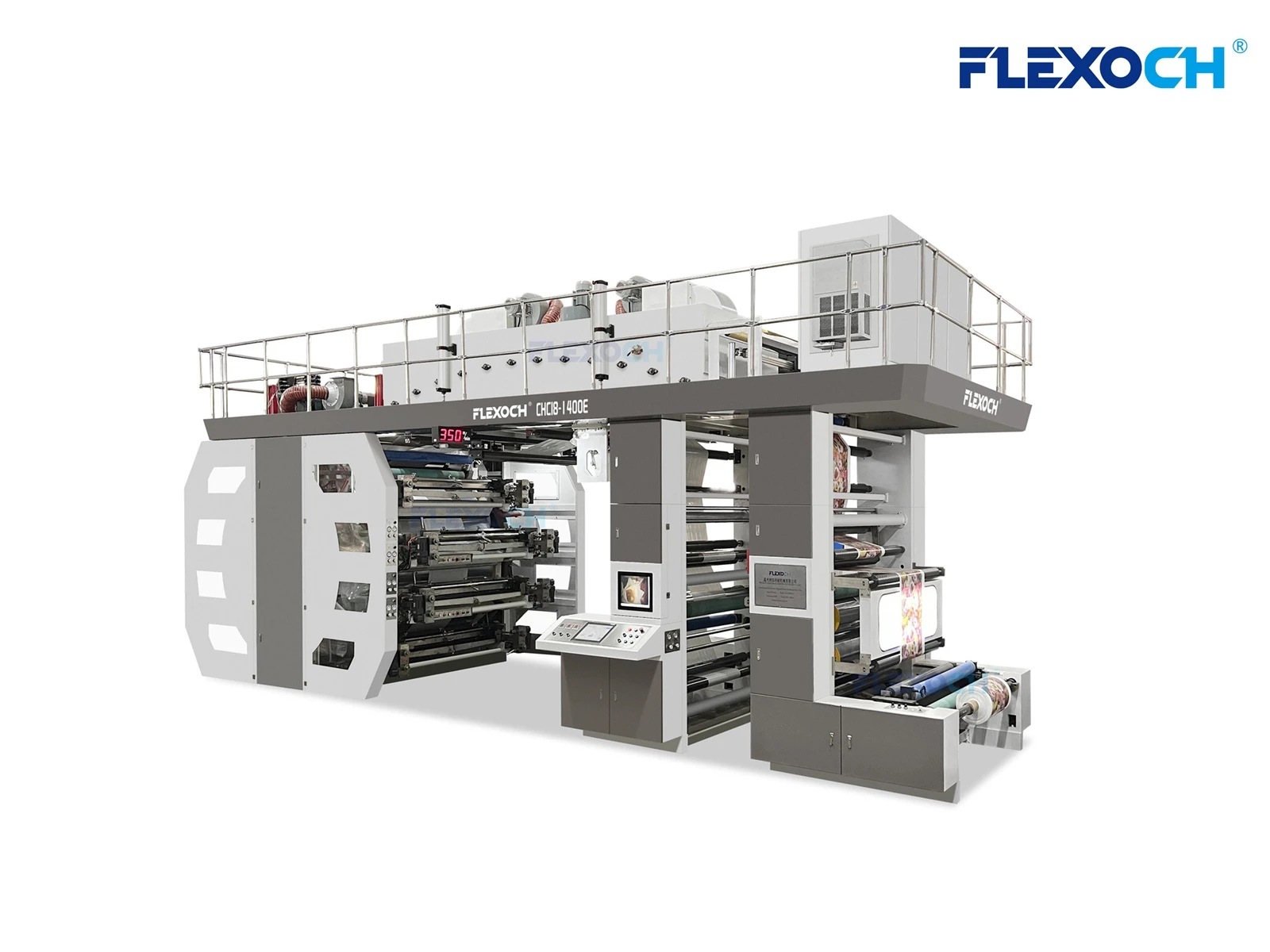
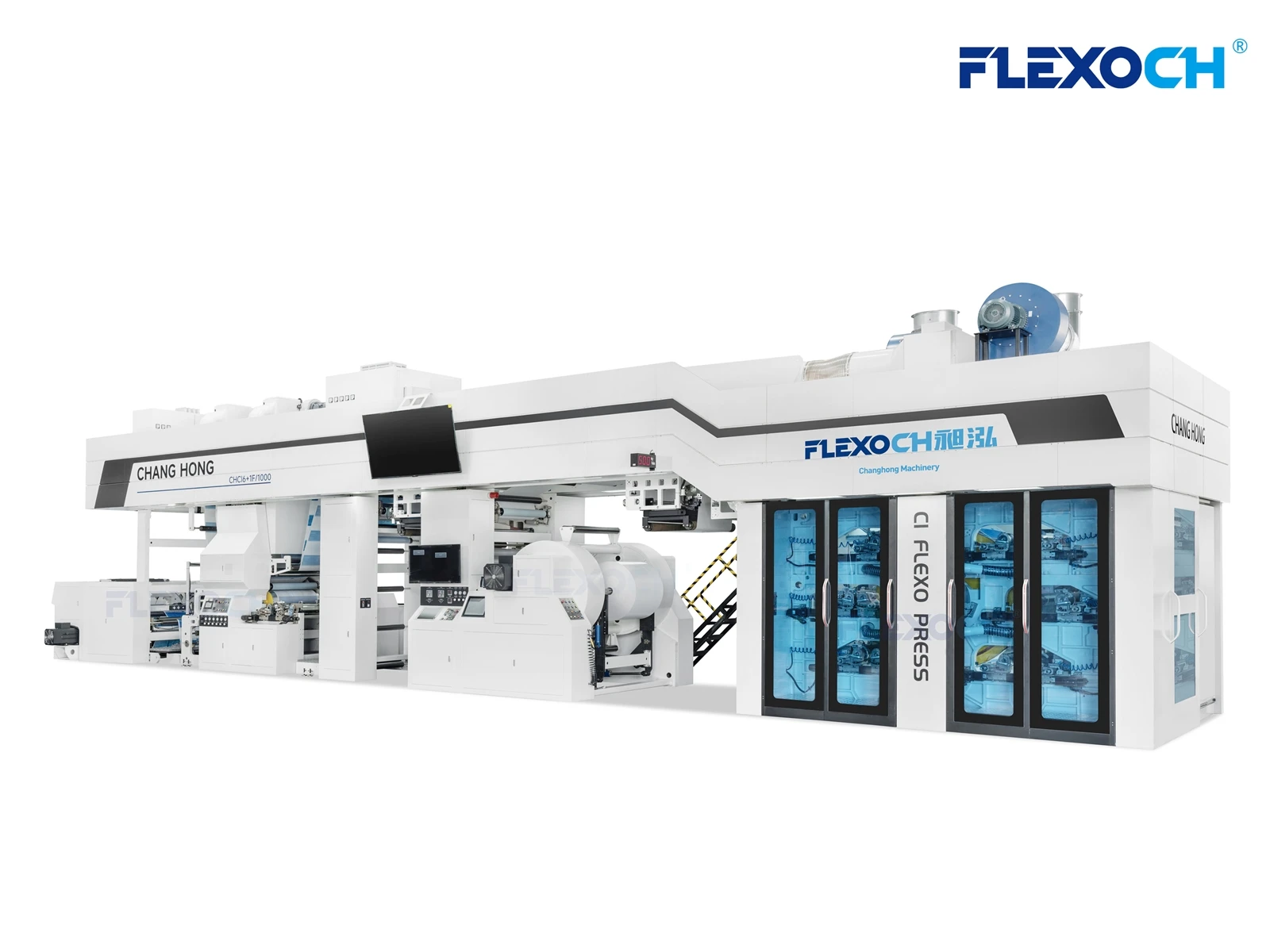
If you're looking to upgrade your flexo press and want to make sure you're choosing the right setup for your plate hardness needs, we're here to help. We've got a range of presses tailored to different jobs, whether you need a 6 Color Flexo Printing Machine for multi-color labels, a Paper Gearless Flexo Printing Press for high-volume paper runs, or the FFS Heavy-Duty Film Flexo Printing Machine for tough packaging jobs. Just reach out to our team to chat through your specific needs-we don't just sell equipment, we work with you to get the best performance out of every part of your line, including those plate specs that make all the difference.
References
- Printwear & Promotion Today. (2022). The Science of Photopolymer Plates in Flexographic Printing. Retrieved from printwearandpromotiontoday.com
- Flexographic Technical Association. (2021). Substrate and Plate Compatibility Guidelines for Flexo Printing. Retrieved from flexotda.org
- Packaging Digest. (2023). Reducing Downtime in Flexo Press Operations: Key Variables to Consider. Retrieved from packagingdigest.com
- Plate Craft Supply. (2022). Shore Durometer: A Critical Spec for Flexo Plate Selection. Retrieved from platecraftsupply.com