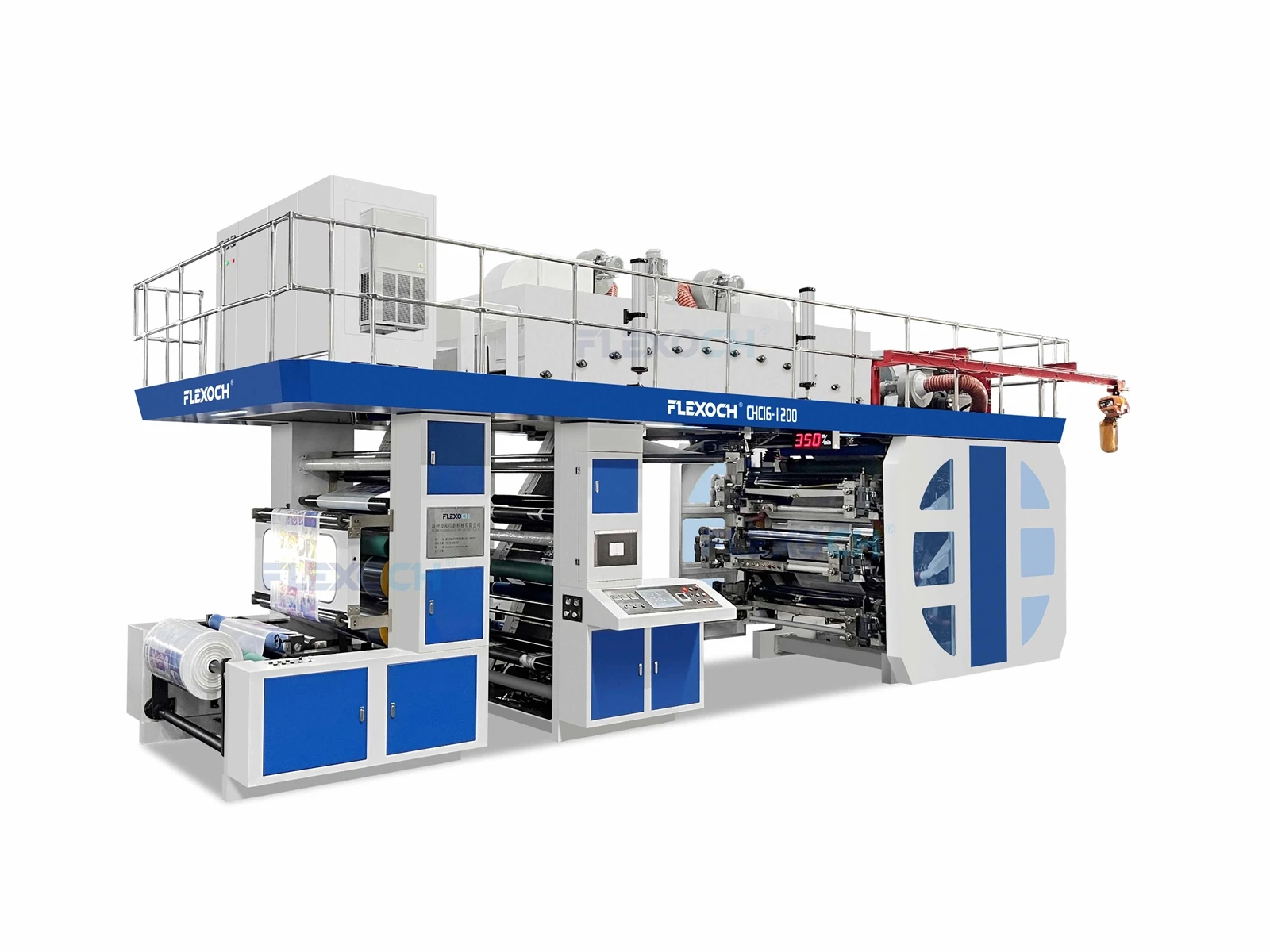
Maintaining a 6 Colour Flexo Printing Machine is crucial if you want it to perform at its best, produce high - quality prints, and have a long service life. As a 6 Colour Flexo Printing Machine supplier, I've seen firsthand how proper maintenance can save businesses a lot of time and money in the long run.
First off, let's talk about daily maintenance. This is the foundation of keeping your machine in top shape. Every day, before you start using the machine, you should do a quick visual inspection. Look for any signs of wear and tear, loose parts, or leaks. Check the rollers to make sure they're clean and free from debris. A dirty roller can cause uneven ink distribution, which will lead to poor - quality prints. You can use a soft cloth and a mild cleaning agent designed for printing machines to wipe down the rollers gently.
The ink system is another critical part that needs daily attention. Make sure the ink levels are appropriate and that the ink is flowing smoothly through the hoses and pumps. If you notice any clogs or blockages, address them right away. You can use a special cleaning solution to flush out the ink system periodically. And don't forget to clean the ink trays regularly to prevent ink from drying and caking up.
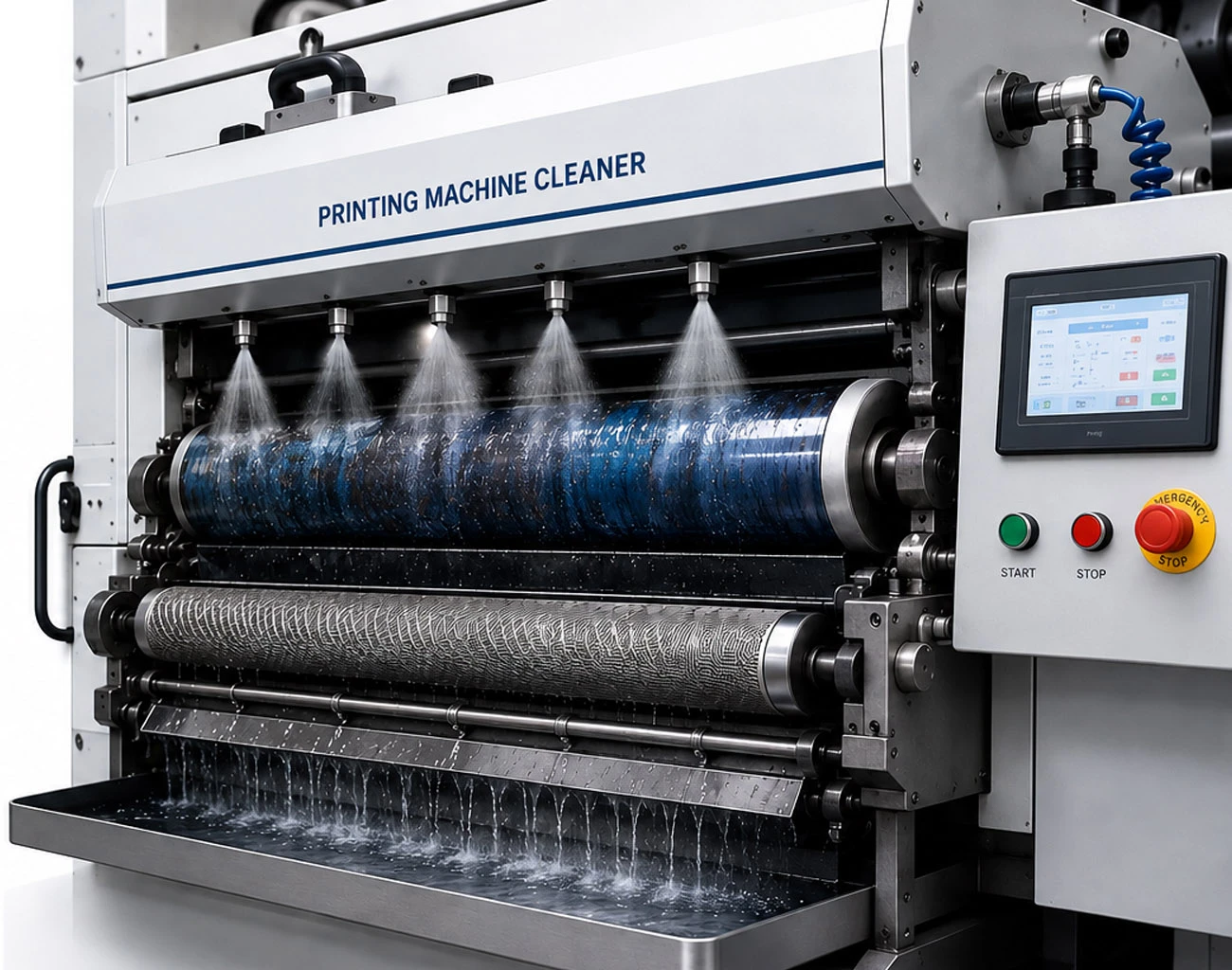
When it comes to the printing plates, daily care is a must. After each print run, remove the plates carefully and clean them with a suitable plate cleaner. This will remove any ink residue and prevent the build - up of debris, which could damage the plates over time. Store the plates in a cool, dry place to avoid warping or other damage.
Now, onto weekly maintenance. You should perform a more in - depth check of the machine once a week. One of the key areas to focus on is the tension of the belts. Over time, belts can stretch or become loose, which can affect the alignment of the print. Use a tension gauge to measure the belt tension and adjust it as needed.
Lubrication is also important. Different parts of the machine, like the gears, bearings, and shafts, need to be lubricated regularly to reduce friction and prevent premature wear. Refer to the machine's manual to determine the right type of lubricant and how often to apply it.
The electrical components should also be inspected weekly. Check for any frayed wires, loose connections, or signs of overheating. Electrical problems can not only damage the machine but also pose a safety risk. If you're not experienced with electrical systems, it's best to call in a professional.
Monthly maintenance tasks are a bit more comprehensive. You should do a thorough cleaning of the entire machine, including hard - to - reach areas. Use a vacuum cleaner or compressed air to remove dust and debris from the internal components. This will help prevent overheating and improve the overall performance of the machine.
It's also a good time to check the alignment of the print heads. Misaligned print heads can result in off - register prints, which are a major quality issue. You can use the alignment tools provided with the machine to make the necessary adjustments.
In addition to the above, you should consider the environmental factors that can affect the machine. The Flexo Printing Machine should be installed in a clean, dry, and well - ventilated area. High humidity can cause rust and corrosion, while dust and dirt can accumulate inside the machine and cause malfunctions.
If you're interested in different types of Flexo Printing Machines, we also have a range of options available. You can check out our Non Woven Bag Flexo Printing Machine, Wide Web Flexo Printing Machine, and Plastic Bag Flexo Printing Machine.
Proper maintenance also involves keeping detailed records. Keep track of when you perform maintenance tasks, what parts you replace, and any issues you encounter. This will help you identify patterns and plan for future maintenance more effectively. If you ever need to call in a technician, having these records handy will make the troubleshooting process much faster.
Furthermore, make sure your operators are well - trained on the machine. They should know how to use it properly and be aware of the basic maintenance procedures. A well - trained operator can often spot potential problems early and take the necessary steps to prevent them from escalating.
In addition to in - house maintenance, it's a good idea to schedule regular professional servicing. A professional technician has the expertise and tools to perform a more detailed inspection and maintenance of the machine. They can identify and address issues that you might miss, ensuring the long - term reliability of your 6 Colour Flexo Printing Machine.
Finally, when it comes to spare parts, it's always a good idea to keep a stock of commonly used parts on hand. This can save you a lot of time in case of a breakdown. Make sure to source high - quality spare parts from reliable suppliers to ensure the compatibility and performance of the machine.
If you're in the market for a 6 Colour Flexo Printing Machine or want to discuss maintenance further, don't hesitate to reach out. We're here to help you get the most out of your printing equipment.
References:
- "Flexographic Printing: Principles and Practices"
- Manufacturer's Manual for 6 Colour Flexo Printing Machine