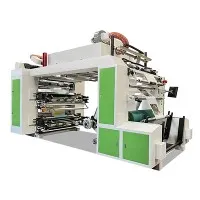
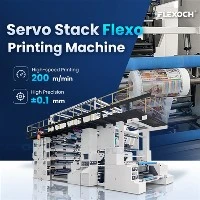
Cleaning the ink system of a Film Flexo Printing Machine is a crucial maintenance task that ensures optimal print quality, extends the machine's lifespan, and reduces operational costs. As a Film Flexo Printing Machine supplier, I understand the importance of this process and am here to share some expert tips on how to effectively clean the ink system.
Understanding the Film Flexo Printing Machine Ink System
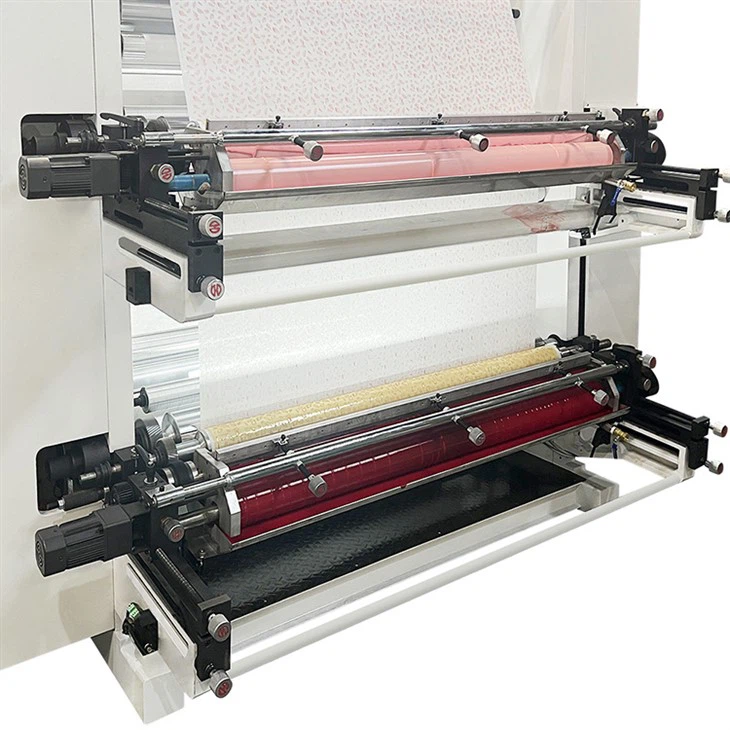
Before diving into the cleaning process, it's essential to understand the components of the ink system in a Film Flexo Printing Machine. The ink system typically consists of an ink reservoir, ink pumps, ink hoses, anilox rollers, doctor blades, and printing plates. Each component plays a vital role in transferring ink from the reservoir to the substrate, and any blockages or contaminants can lead to poor print quality.
1.Preparing for the Cleaning Process
- Gather the Necessary Tools and Supplies: You will need cleaning solvents, brushes, lint-free cloths, gloves, safety goggles, and a container for waste solvents. Make sure to choose solvents that are compatible with the type of ink used in your machine.
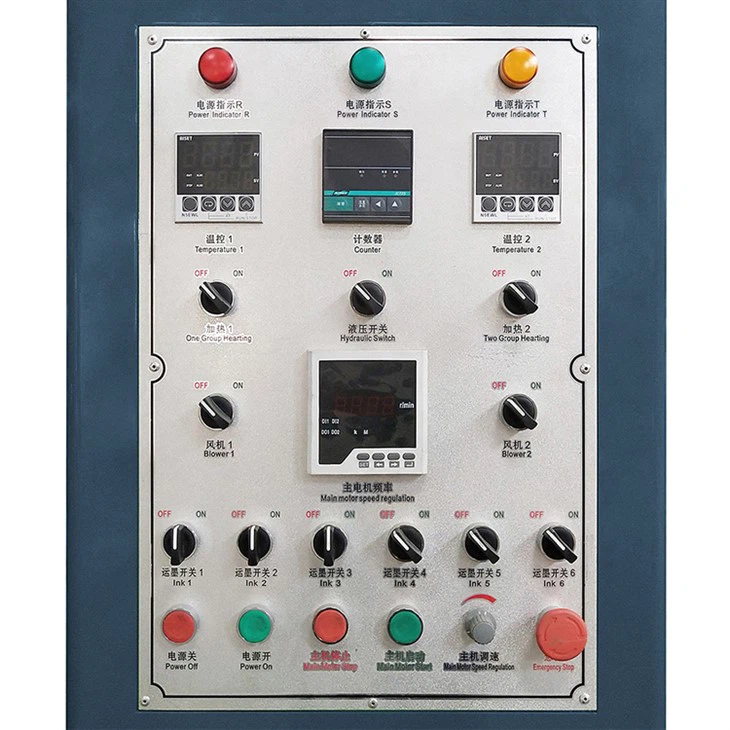
- Turn Off the Machine: Before starting the cleaning process, ensure that the machine is turned off and unplugged to prevent any accidents.
- Empty the Ink Reservoir: Drain the remaining ink from the reservoir into a suitable container. Dispose of the ink according to local regulations.
2.Cleaning the Ink Reservoir
- Remove the Ink Reservoir: If possible, remove the ink reservoir from the machine for easier cleaning. Follow the manufacturer's instructions for proper removal.
- Flush the Reservoir: Fill the reservoir with a cleaning solvent and let it soak for a few minutes. Use a brush to scrub the inside of the reservoir, paying special attention to the corners and edges.
- Rinse the Reservoir: Empty the cleaning solvent from the reservoir and rinse it thoroughly with clean water. Make sure to remove all traces of the solvent.
- Dry the Reservoir: Use a lint-free cloth to dry the inside of the reservoir completely. Ensure that there is no moisture left before reinstalling it.
3.Cleaning the Ink Pumps and Hoses
- Disconnect the Ink Pumps and Hoses: Follow the manufacturer's instructions to disconnect the ink pumps and hoses from the machine.
- Flush the Pumps and Hoses: Use a cleaning solvent to flush the pumps and hoses. Connect the hoses to a container filled with the solvent and run the pumps to circulate the solvent through the system.
- Clean the Pumps and Hoses: Use a brush to clean the inside of the pumps and hoses, removing any ink residue or debris. Pay special attention to the pump valves and filters.
- Rinse the Pumps and Hoses: After cleaning, rinse the pumps and hoses thoroughly with clean water to remove all traces of the solvent.
- Reconnect the Pumps and Hoses: Once the pumps and hoses are dry, reconnect them to the machine according to the manufacturer's instructions.
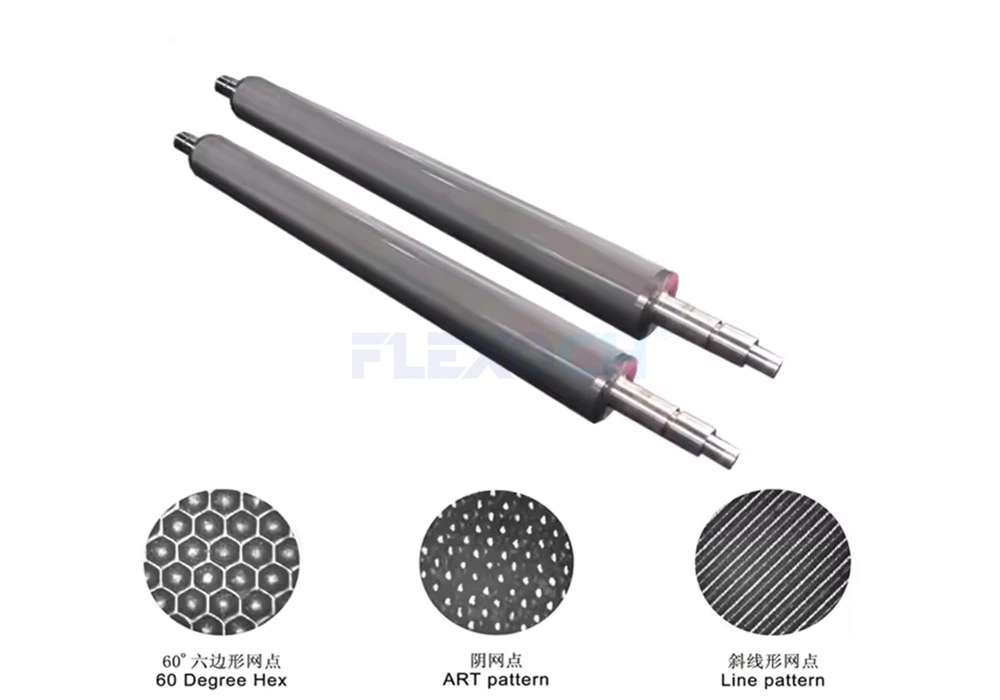
4.Cleaning the Anilox Rollers
- Remove The Anilox Rollers: Follow the manufacturer's instructions to remove the anilox rollers from the machine.
- Inspect The Rollers: Check the anilox rollers for any signs of damage or wear. If necessary, replace the rollers.
- Clean The Rollers: Use a specialized anilox roller cleaner or a cleaning solvent to clean the rollers. Apply the cleaner to a lint-free cloth and gently wipe the surface of the rollers.
- Brush The Rollers: Use a soft brush to brush the cells of the anilox rollers, removing any ink residue or debris. Be careful not to damage the cells.
- Rinse The Rollers: Rinse the rollers thoroughly with clean water to remove all traces of the cleaner.
- Dry The Rollers: Use a lint-free cloth to dry the rollers completely. Ensure that there is no moisture left before reinstalling them.
5.Cleaning the Doctor Blades
- Remove The Doctor Blades: Follow the manufacturer's instructions to remove the doctor blades from the machine.
- Inspect The Blades: Check the doctor blades for any signs of damage or wear. If necessary, replace the blades.
- Clean The Blades: Use a cleaning solvent and a lint-free cloth to clean the doctor blades. Gently wipe the surface of the blades, removing any ink residue or debris.
- Rinse The Blades: Rinse the doctor blades thoroughly with clean water to remove all traces of the solvent.
- Dry The Blades: Use a lint-free cloth to dry the doctor blades completely. Ensure that there is no moisture left before reinstalling them.

6.Cleaning the Printing Plates
- Remove the Printing Plates: Follow the manufacturer's instructions to remove the printing plates from the machine.
- Inspect the Plates: Check the printing plates for any signs of damage or wear. If necessary, replace the plates.
- Clean the Plates: Use a cleaning solvent and a lint-free cloth to clean the printing plates. Gently wipe the surface of the plates, removing any ink residue or debris.
- Rinse the Plates: Rinse the printing plates thoroughly with clean water to remove all traces of the solvent.
- Dry the Plates: Use a lint-free cloth to dry the printing plates completely. Ensure that there is no moisture left before reinstalling them.
7.Reassembling the Machine
- Reinstall the Components: Once all the components are clean and dry, reinstall them in the machine according to the manufacturer's instructions.
- Fill the Ink Reservoir: Fill the ink reservoir with fresh ink.
- Prime the Ink System: Run the ink pumps to prime the ink system and ensure that ink is flowing properly through the machine.
- Test the Machine: Turn on the machine and run a test print to check the print quality. Make any necessary adjustments to the ink system.
8.Regular Maintenance and Cleaning Schedule
To keep your Film Flexo Printing Machine in optimal condition, it's important to establish a regular maintenance and cleaning schedule. Here are some general guidelines:
- Daily Cleaning: After each printing job, clean the ink reservoir, anilox rollers, doctor blades, and printing plates.
- Weekly Cleaning: Once a week, clean the ink pumps and hoses, and flush the entire ink system with a cleaning solvent.
- Monthly Cleaning: Once a month, perform a more thorough cleaning of the machine, including disassembling and cleaning all the components.


Conclusion
Cleaning the ink system of a Film Flexo Printing Machine is a critical maintenance task that should not be overlooked. By following the steps outlined in this blog post, you can ensure that your machine operates at its best, producing high-quality prints consistently. If you have any questions or need further assistance with cleaning your Film Flexo Printing Machine, please don't hesitate to contact us. We are a leading supplier of Film Flexo Printing Machine, Wide Web Flexo Printing Machine, and Non Woven Bag Flexo Printing Machine, and we are here to help you with all your printing needs. Contact us today to learn more about our products and services and to discuss your specific requirements.
References
- Manufacturer's manual for the Film Flexo Printing Machine
- Industry best practices for cleaning and maintaining flexo printing machines